Introducing EAZY CRM 4.0
Still Using Multiple Systems to Understand One Customer? One CRM for Complete Customer Journey
From the first lead to the next opportunity, bring marketing, sales, projects, service and customer relationships together in one AI-enabled CRM platform.
- Complete Platform
- Customer Lifecycle
- AI-Enabled
No credit card required · Choose the modules your team needs
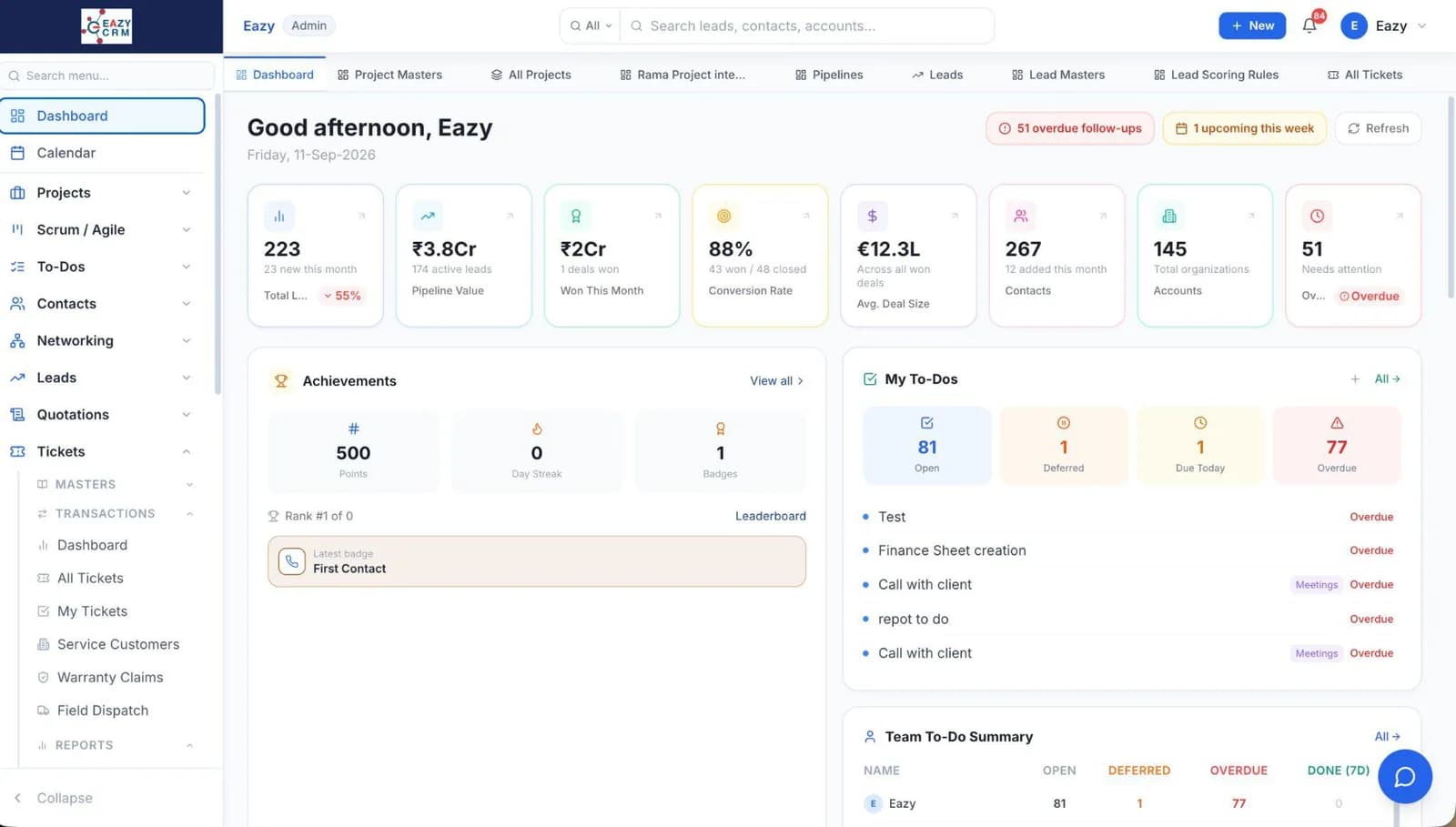
Marketing
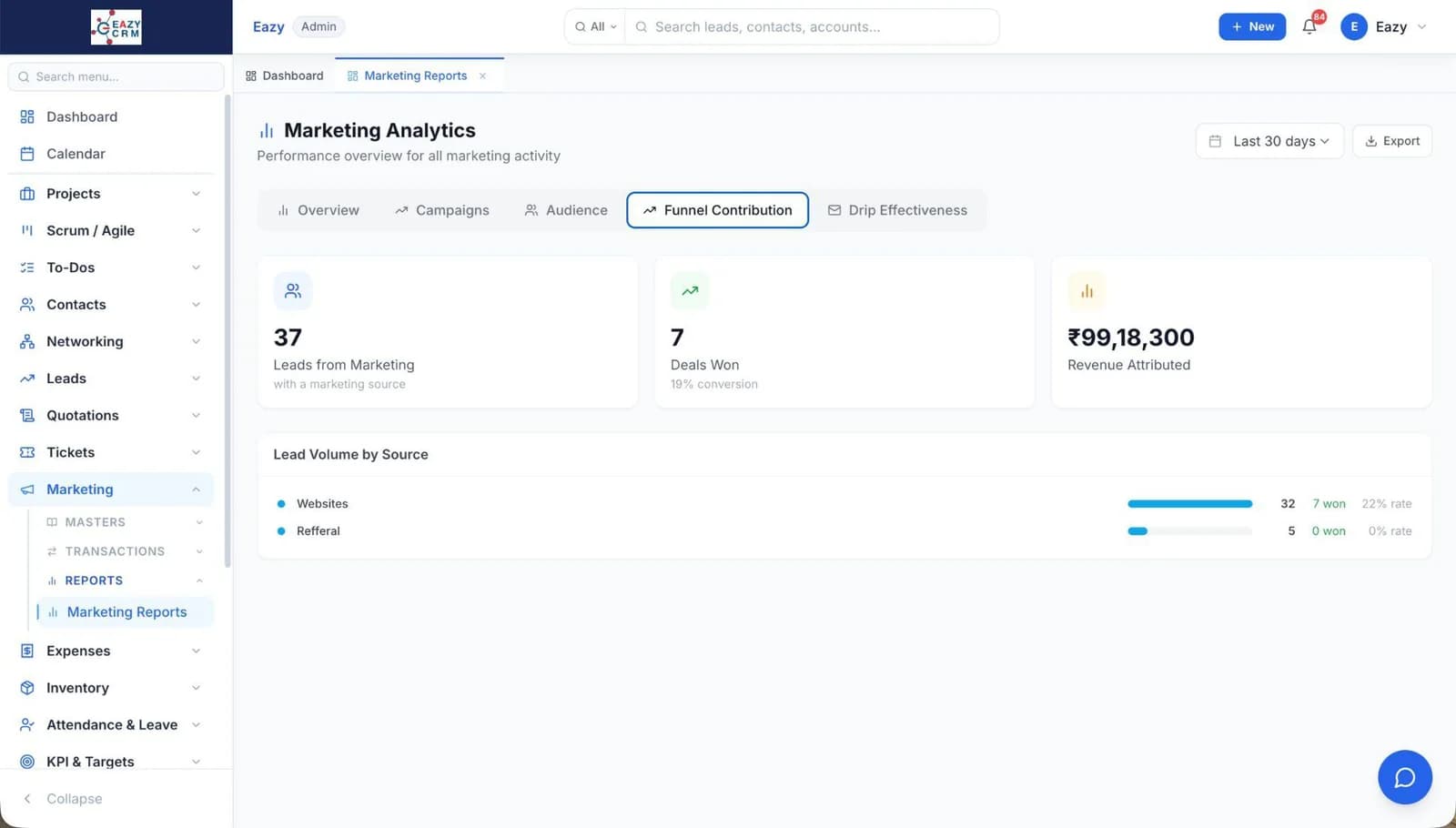
Sales
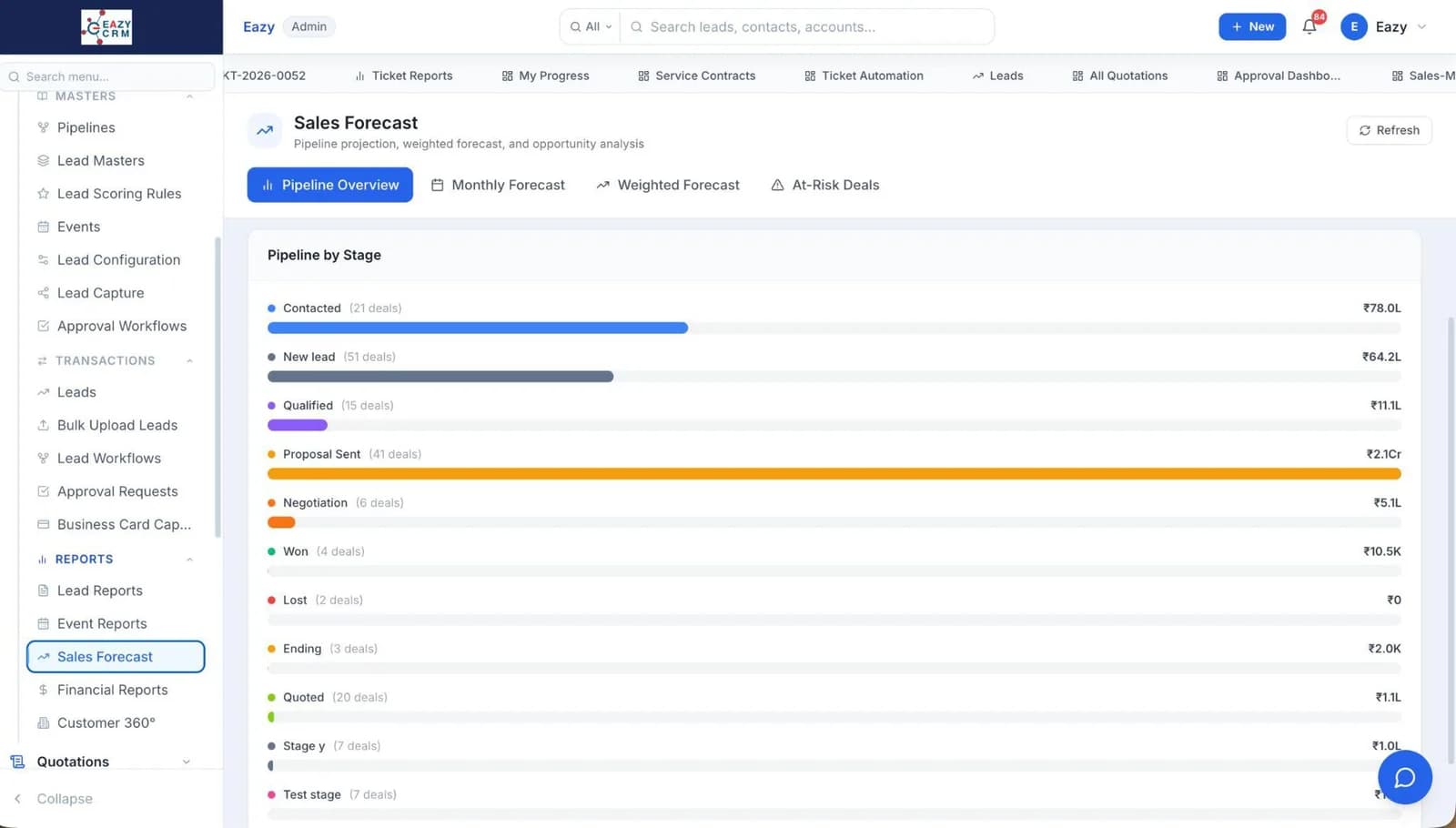
Projects
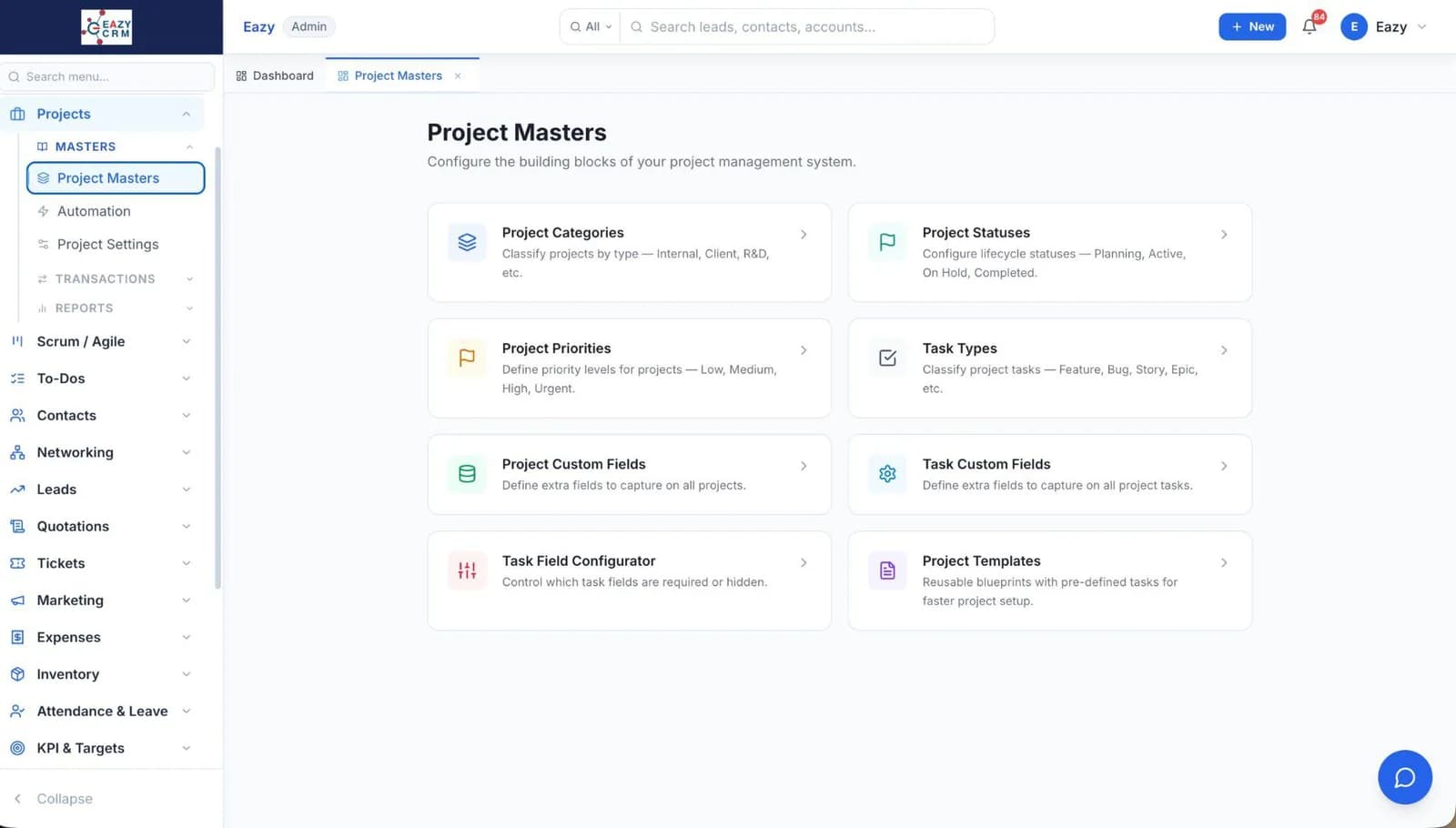
Workflows
Built by the Team Behind EAZY
- EAZY CRM is built by Eazy, whose software is used by 700+ brands.
- Eazy's software has 3M+ users across India and overseas.
- Eazy has been building business software for 19+ years.
- Eazy's software is used in 20+ countries.
Trusted across FMCG, FMCD, Building Materials, Auto Components, Electricals, Paints & Chemicals, Packaging, Apparel & Fashion and other distribution-led businesses.
When Your Customer Doesn't Work In Departments,Why Should Your CRM?
One customer moves through multiple teams.
EAZY CRM brings those interactions together, giving every department the context to continue the relationship.
Marketing
Campaigns · Sources · Attribution · Engagement
Sales
Leads · Pipeline · Quotations · Forecasting
Service
Tickets · Warranty · Field Service · Service History
Projects
Planning · Tasks · Milestones · Payments


Networking
Stronger relationships
Surveys
Voice of your customers
Performance & Targets
Track progress. Drive results.
Customer Growth
From retention to expansion
Independent capabilities. One CRM experience.
What Makes EAZY CRM Different?
Go Beyond Managing Leads.
One Complete CRM
Bring marketing, sales, projects, service and customer relationships together in one platform.
Built Around Your Business
Configure fields, forms and workflows, and choose the modules that fit your team's requirements.
Intelligence Built In
Use AI to work with customer context, assist everyday tasks and reduce manual effort.
Find Opportunities in Customers You Already Have.
Define product relationships, analyse your existing customer base and identify potential cross-sell and upsell opportunities with Customer Footprint.
Ask Better Questions & Qualify Better Leads.
Create product-specific questionnaires that change according to a prospect's requirements, so sales teams get relevant information from the beginning.
Turn Relationships Into a Repeatable Practice.
Keep track of important contacts, meetings, referrals and relationship goals. Know who you need to reconnect with, and when.



AI in Action
AI Doesn't Sit Beside the CRM.It Works Through It.
Marketing
Campaigns · Sources · Attribution · Engagement
Analyse campaign performance and identify top converting sources.
Sales
Leads · Pipeline · Quotations · Forecasting
Identify pipeline risks and suggest next best actions.
Projects
Planning · Tasks · Milestones · Payments
Turn a brief into project tasks and create a plan.
Service
Tickets · Warranty · Field Service · Service History
Use customer and product history to suggest the right resolution.


AI Across Your CRM
Understand
Customer · Activity · History · Context
Advise
Recommend · Summarize · Identify · Prioritize
Act
Create · Update · Follow-up · Plan
One AI layer. Multiple business contexts.
Integrations
Built to Connect.Not to Lock You In.
Connect EAZY CRM with your existing business systems, lead sources and communication providers. Bring customer information together without replacing everything your business already uses.
Two-way data flow where supported
Lead Sources
Ad platforms and B2B marketplaces
Communication
Email, WhatsApp, SMS and telephony











Business Systems
ERP, DMS and other applications
Extensibility
APIs and third-party connectors





Your systems can stay. Your data can move. Your CRM can connect.
Configure It Your Way
Your Business Changes,Your CRM Can Too.
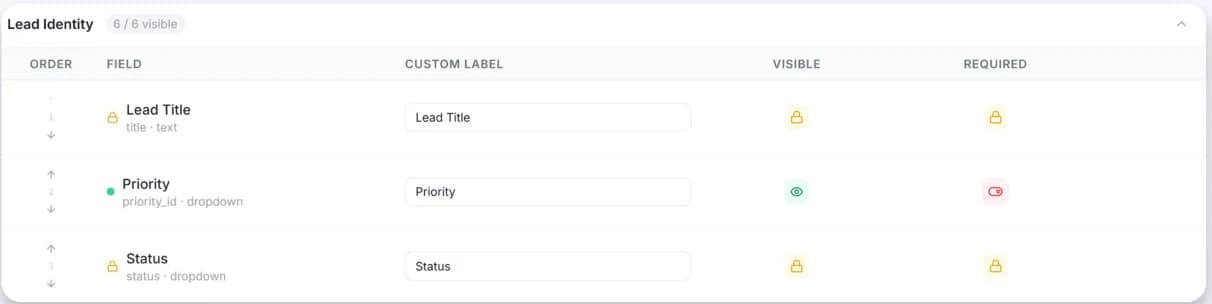
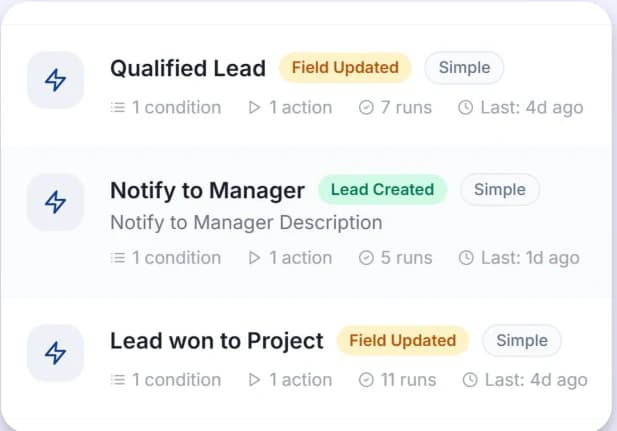
Create fields, adapt forms, configure workflows and set up the processes your team needs, directly from the interface.
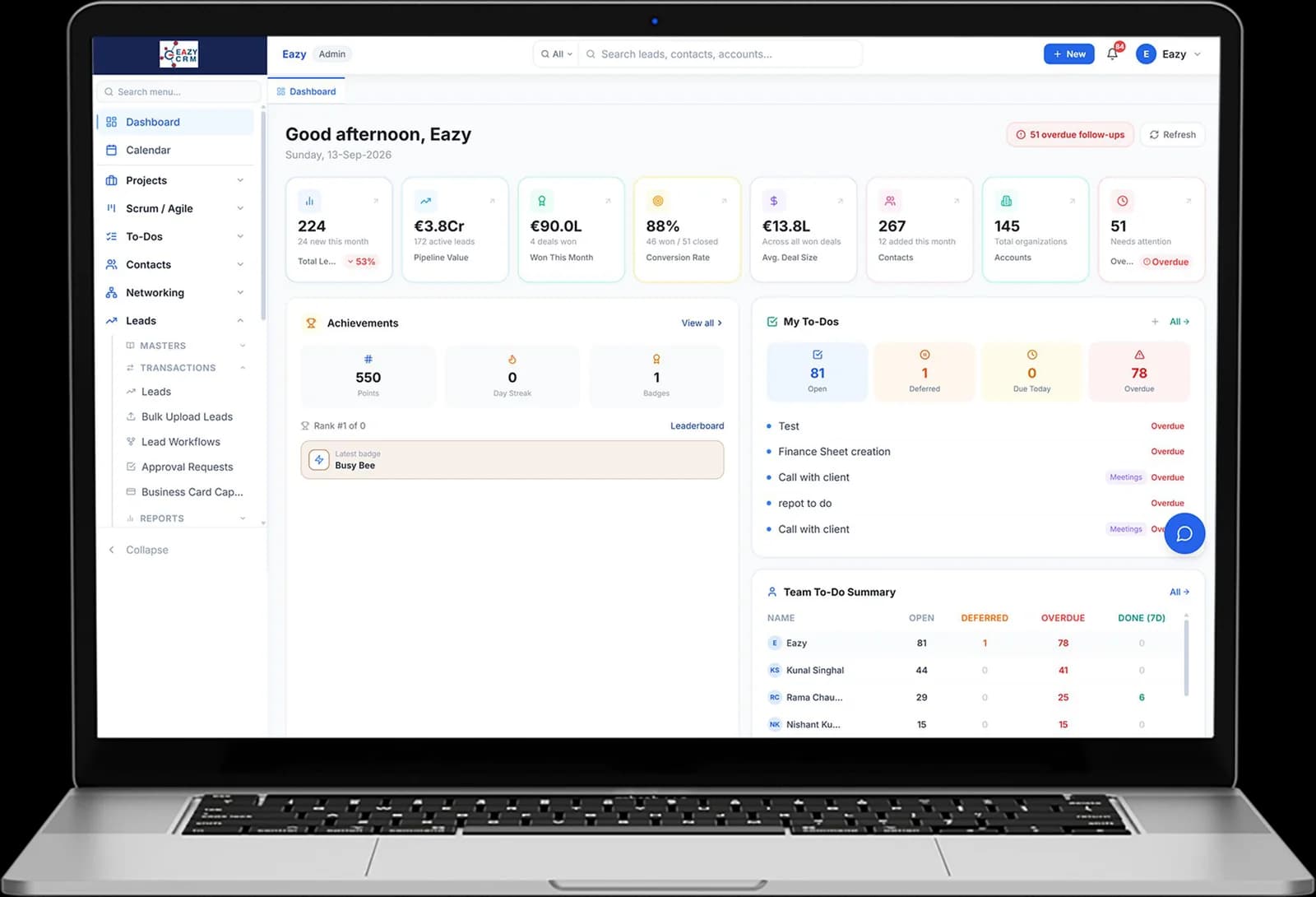
Look
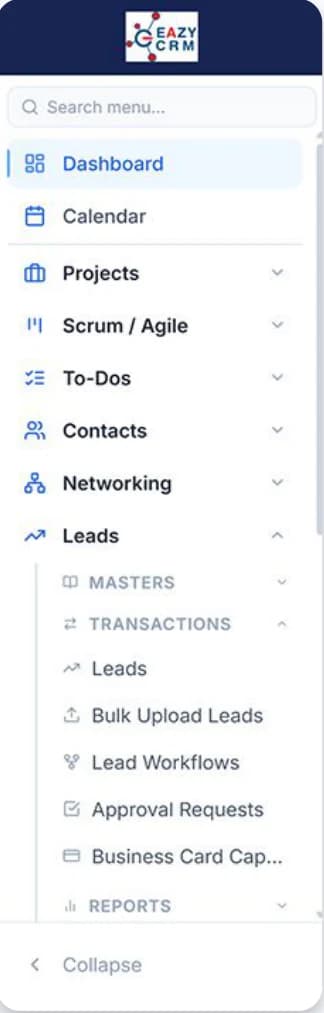
Modern interface
Move
Faster navigation
Configure
Pre-configurable fields, forms and workflows
Work
Modules working together
Scale
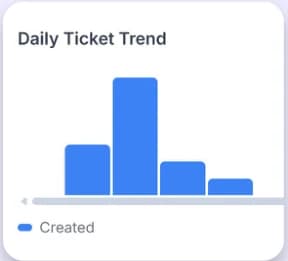
More capability without the slowdown

CRM 4.0
- More complete than before.
- Better than before.
Same business. A more powerful way to work.
Less dependence on back-end customisation. More control for your team.
Start With the Modules You Need
Your CRM. Your Team. Your Starting Point.
Step 1: Choose Your Plan
Start free or choose a paid plan based on your team's requirements.
Step 2: Select Your Modules
Activate the capabilities available in your chosen plan.
Step 3: Configure Your Workspace
Set up your industry, sales pipeline, lead sources and assignment preferences.
Step 4: Launch Your CRM
Invite your team, import your data and start working.
Pricing
A Plan for Where You Are.Room for Where You're Going.
Free
Get started with essential modules
Starter
For small teams getting started with CRM
Professional
For growing businesses
Enterprise
The complete platform for larger organisations
Frequently Asked Questions
What is EAZY CRM 4.0?
EAZY CRM 4.0 is an integrated CRM platform that brings marketing, sales, project management, service and customer relationship management together in one system.
Can EAZY CRM integrate with our existing ERP and other business applications?
EAZY CRM supports connections with business systems, lead sources, communication providers and third-party applications through supported integrations and APIs.
Does EAZY CRM support marketing automation?
Yes. It includes capabilities for managing campaigns, audience and contact segmentation, lead journeys and marketing interactions across supported channels.
Can we customise EAZY CRM without a developer?
EAZY CRM 4.0 brings more configuration directly to the front end, including fields, forms and workflows.
Can I try EAZY CRM before buying a plan?
The signup flow includes a 14-day free trial with no credit card required. You can choose a plan, select available modules and configure your workspace.